
Register and Login on Play Rupees Game Apk now in no cost in just a few simple and easy steps. You only need a working mobile number and a stable internet connection. This page covers both registration for new users and the login process for returning players.
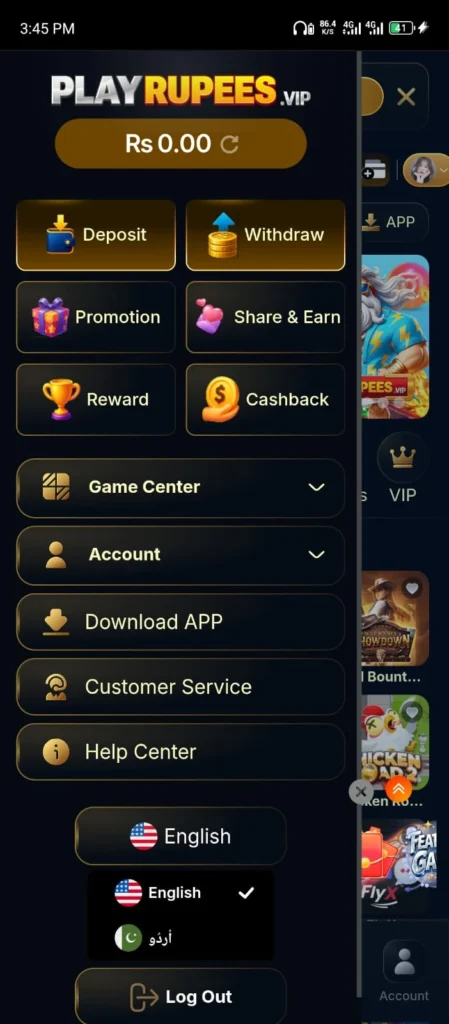
How to Register and Login on Play Rupees Game?
Follow these steps to create your account on Playrupees Game:
- Open the Play Rupees Game app on your Android phone.
- Tap the Register or Sign Up button on the home screen.
- Enter your active Pakistani mobile number in the field provided.
- Create a strong password. Use a mix of letters and numbers. Avoid obvious passwords like your birth year or “123456.”
- Re-enter your password to confirm it.
- An OTP (one-time password) will be sent to your mobile number via SMS.
- Enter the OTP in the verification field.
- Tap Submit or Complete Registration to finish.
- A welcome bonus will be added to your account automatically after successful registration.
That is it. Your account is now active and ready to use.
Important Tips for Registration
- Use your own mobile number. You will need this number to log in and for future account recovery.
- Do not share your password with anyone, including friends or family.
- If you were invited by a friend, make sure their referral link was used during registration. This is the only way to make sure both of you receive the referral bonus.
- Read the Terms and Conditions before completing registration.
How to Login to Your Account on Play Rupees Game?
Returning players can log in quickly:
- Open the app.
- Tap the Login button on the main screen.
- Enter the mobile number you registered with.
- Enter your password.
- Tap Sign In to access your account.
Your home screen will load with your current balance, available bonuses, and game options.
Forgot Your Password?
It happens to everyone. Here is how to reset it:
- Tap the Forgot Password option on the login screen.
- Enter your registered mobile number.
- An OTP will be sent to your phone via SMS.
- Enter the OTP in the field provided.
- Create a new password.
- Tap Confirm to save it.
Your account will be accessible with the new password right away.
Account Security Tips
Keeping your account safe is your responsibility too. A few simple habits make a big difference:
- Never log in from someone else’s phone and leave your session open.
- Change your password if you think someone else may know it.
- Do not click on login links sent through WhatsApp or Facebook. Always open the app directly.
- If you notice any unusual activity in your account, contact support immediately.
FAQs
Can I create more than one account on play rupees?
No. Each user is allowed one account only. Creating multiple accounts is against the platform rules and may result in a permanent ban.
What if I do not receive the OTP?
Check your mobile signal. Make sure the number you entered is correct. Wait 60 seconds and request a new OTP. If it still does not arrive, contact our support team.
Can I change my registered mobile number later?
For security reasons, changing your registered number requires contacting support directly. This process includes identity verification.
Register and Login on Play Rupees Game App Now for free 2026

Register and login on Play Rupees Game in under 2 minutes. Simple step-by-step guide for registration, login and password reset for Pakistani players.
Price: Free
Price Currency: PKR
Operating System: Android 5.0+
Application Category: Casino Game
4.9